Gallery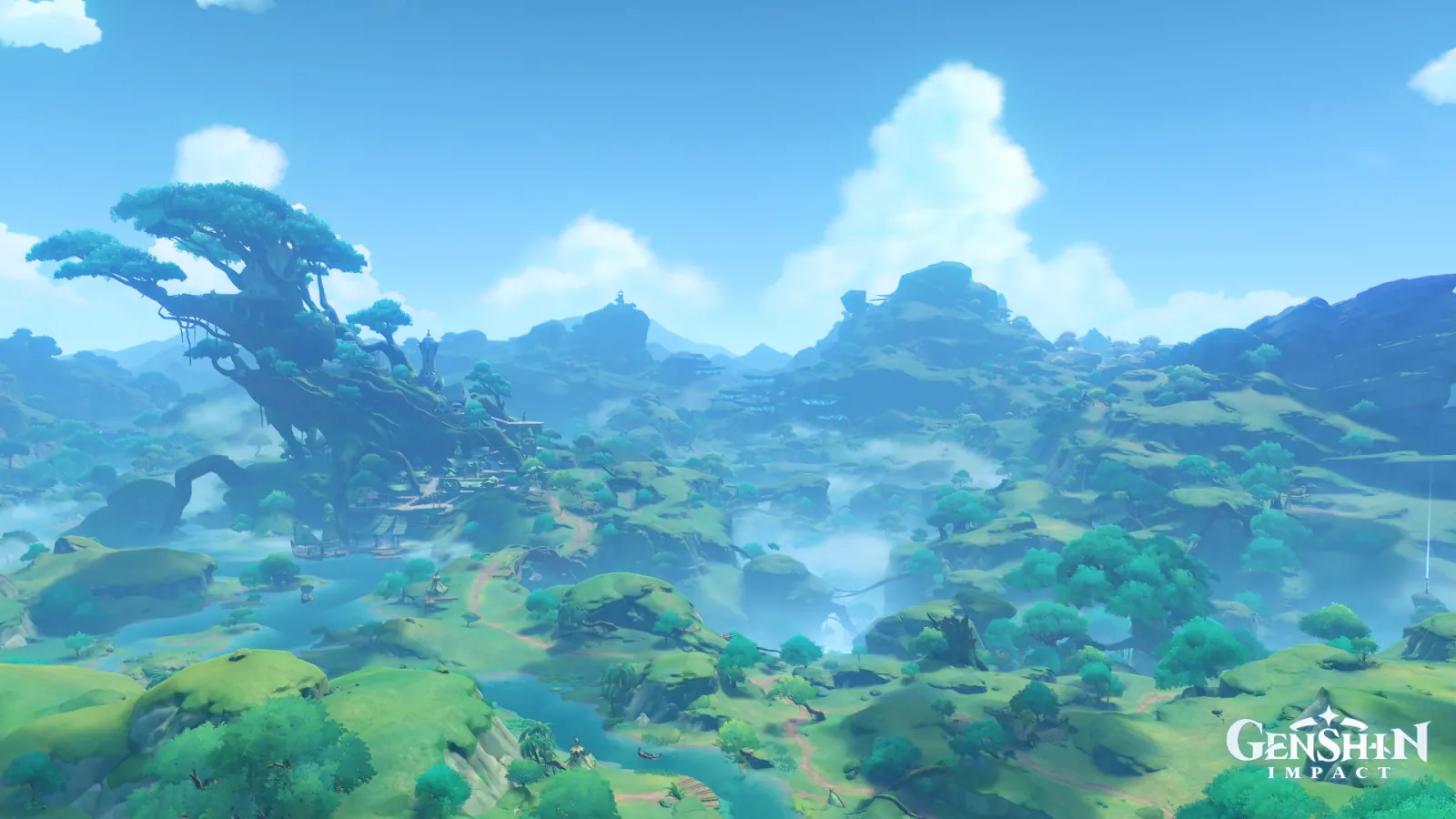
SumeruDayLimpidExpansiveDamp
Avidya Forest, Clearing after Rain
Palette
Click a swatch to copy its HEX; hover for the OKLCH value.
Reconstructed gradient
The gradient distilled from the scene, unrolled left to right by stop; the authored angle is 180° (used by the hero and exports), while gallery cards share a uniform 135° sweep.
0%58a6de22%5cafdc45%79bee274%4996a3100%71b385
Why it works
To make air read thick, don't add grey to the distance — count how many warm pixels are left. In Avidya Forest the window 315°–45° (90° wide) returns zero pixels across the whole frame, and widening it to 300°–60° (120° wide) yields only 3. Meanwhile the achromatic share (C<0.025) is just 0.38%: not one patch of grey is laid down. The two dirt paths crossing the woods measure hue 210° and 218° — the same family as the 242° of the sky overhead. Thickness is something you delete into being, not something you tune.
Take these colours with you
CSS variables, a Tailwind v4 theme or SVG — one click to copy into your project.
/* Avidya Forest, Clearing after Rain · Avidya Forest, Clearing after Rain — Teyvat Palette */
:root {
  --cleared-sky: oklch(0.7 0.113 242); /* Cleared Sky #58a6de */
  --far-ridge: oklch(0.61 0.137 253); /* Far Ridge Blue #4085d3 */
  --tree-town: oklch(0.72 0.104 234); /* Tree-Town Teal #5cafdc */
  --valley-haze: oklch(0.77 0.087 232); /* Valley Haze #79bee2 */
  --path-cyan: oklch(0.63 0.078 210); /* Path Cyan #4996a3 */
  --near-slope: oklch(0.71 0.095 153); /* Near Slope Green #71b385 */
  --gradient-avidya-forest: linear-gradient(180deg, oklch(0.7 0.113 242) 0%, oklch(0.72 0.104 234) 22%, oklch(0.77 0.087 232) 45%, oklch(0.63 0.078 210) 74%, oklch(0.71 0.095 153) 100%);
}A 1080×1350 PNG carrying the scene, its palette and every value — save it and post it as is.